On this page
- Who runs Crypto.com
- What Mexico gets, and what it doesn't
- If you moved here with an existing account
- SWIFT from Mexico: workable, not cheap
- The cheapest route from pesos: a worked example
- The Visa card question
- Getting money out in Mexico
- Settings worth turning on before you fund it
- Coins and features
- Pros and cons
- Who Crypto.com suits
- Alternatives
Plenty of Americans and Canadians arrive in Mexico already holding a Crypto.com account, and plenty of remote workers here are paid in dollars. For both groups the natural question is whether Crypto.com still works once Mexico is home. Mostly yes, as long as you're comfortable living in dollars, because the peso side is missing.
Who runs Crypto.com
Crypto.com was founded in 2016 and is led by co-founder and CEO Kris Marszalek. It's headquartered in Singapore and operates through different entities by region, including an EU MiCA license in Malta. We found no Mexican entity or license. That's typical: Banxico's Circular 4/2019 keeps Mexican banks and licensed fintechs from selling crypto to the public, so international platforms serve Mexico from abroad. Our guide to crypto legality in Mexico explains why.
Product details and terms for your region are on the official Crypto.com site.
What Mexico gets, and what it doesn't
That leaves three ways in, each with a different cost profile.
| Route | How it works | Suits | Cost to watch |
|---|---|---|---|
| USD by SWIFT | Wire dollars from a USD account in your name | People with US or border-zone dollar accounts | Sending bank fee, intermediary deductions |
| Card purchase in the app | Charge a card; billed in a foreign currency | Small test amounts | App fee plus your bank's FX charge |
| Crypto from a peso exchange | Buy USDT with pesos by SPEI, then send it | Anyone paid in pesos | Trading fee and network fee |
If you moved here with an existing account
Exchanges generally tie your account to your country of residence, and their terms usually require you to update your address when you move. Updating can change which features, payment methods and card programs you see. If you keep a US address on file while living in Mexico long term, you may be outside the terms you agreed to. Read Crypto.com's terms for your region and decide deliberately rather than by default.
Tax residency is a separate question. If you become a Mexican tax resident, the SAT expects you to report crypto gains as income. Our crypto tax guide for Mexico covers residents and non-residents.
SWIFT from Mexico: workable, not cheap
SWIFT is the international bank-wire network. It works, but your bank usually charges to send, intermediary banks can take a cut on the way, and money takes business days rather than minutes. Crypto.com's eligibility page doesn't list its own SWIFT fees, so check the app.
There's also a Mexican wrinkle. Banxico rules restrict US-dollar checking accounts for individuals, generally to people living in the northern border strip and a few states such as Baja California. If you live in Mexico City, San Miguel de Allende or Mérida, you likely don't have a Mexican dollar account, and buying dollars at your bank to wire them adds a poor exchange rate. A US account and a US wire is usually cheaper than that.
The cheapest route from pesos: a worked example
If you earn pesos, buying USDTTether's dollar-pegged stablecoin, widely used to move value between platforms. on a peso exchange and sending it to Crypto.com usually costs less than a wire. With Bitso's published fees and a reference rate of MXN 18.70 per USDT:
- Deposit MXN 10,000 to Bitso by SPEI: free.
- Buy USDT on the USDT/MXN book as a takerA taker fills an existing order instantly; a maker posts an order that waits on the book and usually pays less. at 0.78%: MXN 78, leaving MXN 9,922, about 530.6 USDT.
- Withdraw to your Crypto.com address. On Polygon Bitso charges 0.01 USDT; on Tron, 3.4 USDT. You'd receive about 530.6 or 527.2 USDT, depending on the networkThe blockchain a coin travels on. USDT exists on several, each with its own fee..
Check that your Crypto.com deposit address accepts USDT on the network you pick; sending on the wrong one can lose the funds. Placing a limit order on Bitso as a maker drops the fee to 0.60% and saves about MXN 18 on this amount.
If you'd rather not buy on one exchange and send to another, you can buy crypto with a card and see the full charge before paying.
The Visa card question
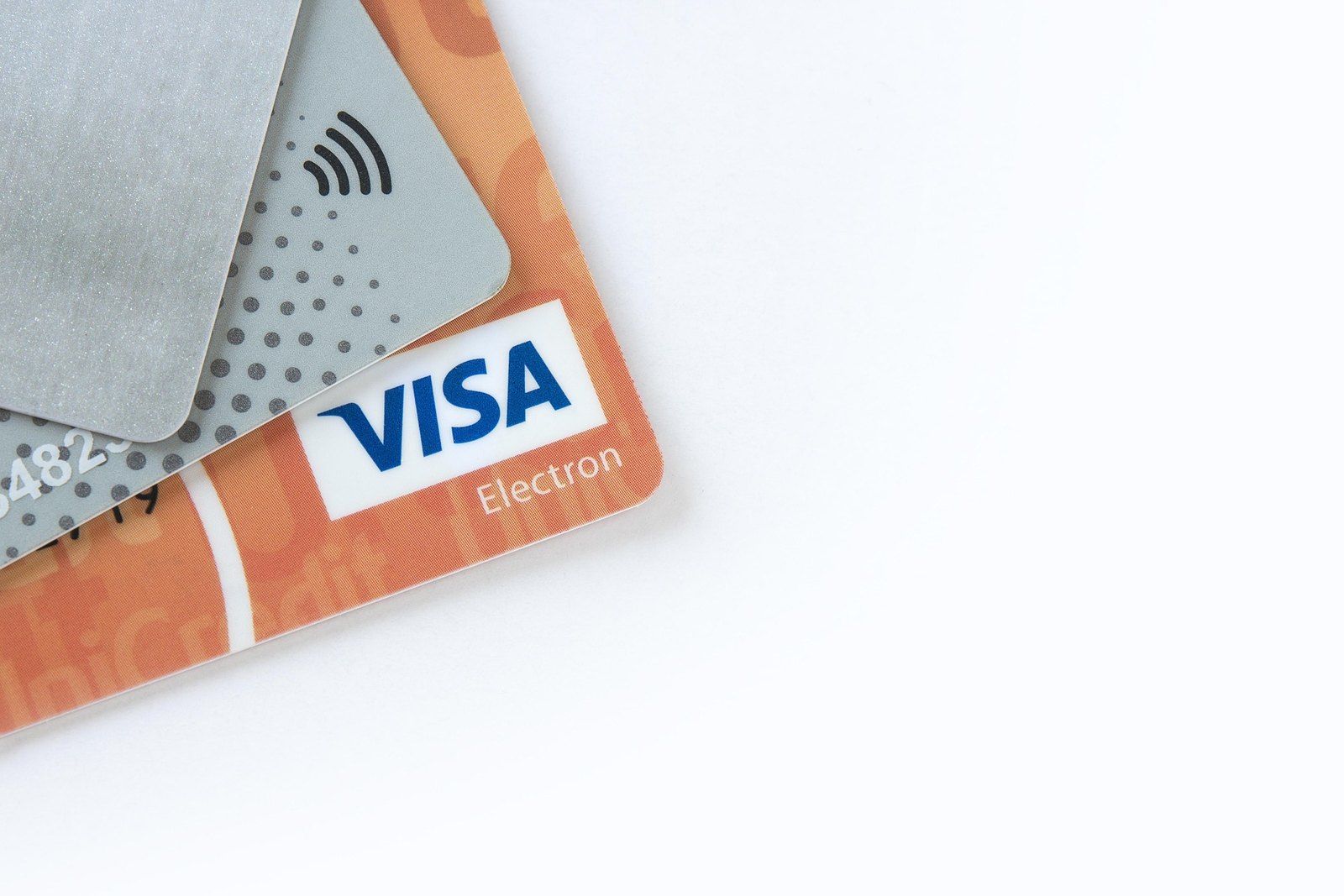
Crypto.com's card is its best-known product, and Mexico is where the information gets thin. One independent card guide lists the card as "to be confirmed" for Mexico, while noting it can be used here. A competitor selling its own card says Crypto.com's is available. We found no official Crypto.com page confirming issuance to Mexico residents.
If your app does offer it, those guides describe the structure: the base tier pays no cashback and charges FX fees, while tiers with up to 3% rewards require locking up CRO, Crypto.com's token, for 12 months or paying a monthly subscription. Locking CRO exposes you to its price. For travelers, a US-issued card you already hold may be the simpler option. Compare alternatives in our crypto card guide.
Getting money out in Mexico
The exit mirrors the entry. Withdraw USD by SWIFT to a dollar account in your name, or send crypto to a peso exchange, sell it and withdraw by SPEI to your CLABE. Bitso charges nothing for SPEI withdrawals. Our guide to cashing out in Mexico compares the options. If you're supporting family, the remittance guide shows how USDT routes compare with a traditional transfer.
Settings worth turning on before you fund it
Whichever exchange you use, three settings cut most of the risk. First, use an authenticator app for two-factor codes rather than SMS: SIM-swap fraud, where someone talks a carrier into moving your number to a new chip, is a known problem with Mexican and US carriers alike. Second, if the platform lets you whitelist withdrawal addresses, add only your own wallets and your peso exchange, so a stolen password alone can't send funds somewhere new. Third, keep only what you're actively using on the exchange and move savings to a wallet you control. Our wallet guide explains the options, from phone apps to hardware devices.
Coins and features
Crypto.com offers a wide catalog in its app and exchange, plus CRO, which unlocks card and fee benefits. Its US and Australian pages advertise zero trading fees up to a tier-based limit, with spreadThe gap between the price you're quoted and the market price. and other fees on top; we couldn't confirm whether the same terms apply to users in Mexico.
Pros and cons
- Mexico is on the official eligible-country list for a USD SWIFT account
- A dollar-based app fits people paid in USD
- Accepts USDT and other crypto sent from Mexican exchanges
- EU MiCA license in Malta and registrations in several other countries
- No peso deposit or withdrawal we could confirm: no SPEI, no CLABE
- SWIFT takes business days and adds bank and intermediary fees
- Mexican dollar accounts for individuals are restricted outside the border zone
- Visa card not officially confirmed for Mexico residents
- Card rewards tied to a 12-month CRO lock-up or a subscription
Who Crypto.com suits
It suits dollar earners, such as remote workers with US clients, who want one app with many coins and are happy to fund it in USD or with crypto. It also works for visitors who already hold the card and account from their home country and only spend in Mexico on trips, since nothing about their residence changes. It's a weaker choice if your income and spending are in pesos: you'd buy elsewhere, send, then come back out through another exchange.
Open an account, verify your identity and make a small purchase to see the real costs before committing more.
Alternatives
- Kraken: also dollar-based, but it does take pesos by SPEI and converts them to USD.
- Bitso: MXN pairs and free SPEI both ways. For a head-to-head with Binance, read Bitso vs Binance.
- Bybit: SPEI with a CLABE and a Mastercard officially launched in Mexico.
More platforms are in the exchange reviews hub.
Frequently asked questions
Does Crypto.com work in Mexico?
You can use the app from Mexico, and Mexico is on Crypto.com's official list of countries eligible for a USD SWIFT account. What we could not find is any peso deposit or withdrawal by SPEI. In practice you fund it with dollars or with crypto bought elsewhere.
I moved to Mexico with a US Crypto.com account. What changes?
Exchanges generally tie your account to your country of residence, and their terms usually require you to update it when you move. Doing so can change which products and payment methods you see. Check Crypto.com's terms for your region before relying on US bank links from Mexico.
Is the Crypto.com Visa card available in Mexico?
We could not confirm it officially. One independent card guide marks Mexico as 'to be confirmed', while a competitor says the card is available. Check whether the app offers it to you. Our crypto card guide covers cards with an official Mexican launch.
How do I get pesos out of Crypto.com?
There's no peso withdrawal we could confirm. Withdraw USD by SWIFT to a dollar account in your name, or send crypto to an exchange with SPEI withdrawals, such as Bitso, sell it and withdraw to your CLABE.
Is Crypto.com regulated in Mexico?
We found no Mexican license or entity. Crypto.com holds licenses elsewhere, including an EU MiCA license in Malta, but in Mexico it serves users from abroad, like other international exchanges.